Your Roblox. Your launcher.
Defblox puts the games people are playing right now, a server picker, community chat and game invites into one clean black and white launcher.
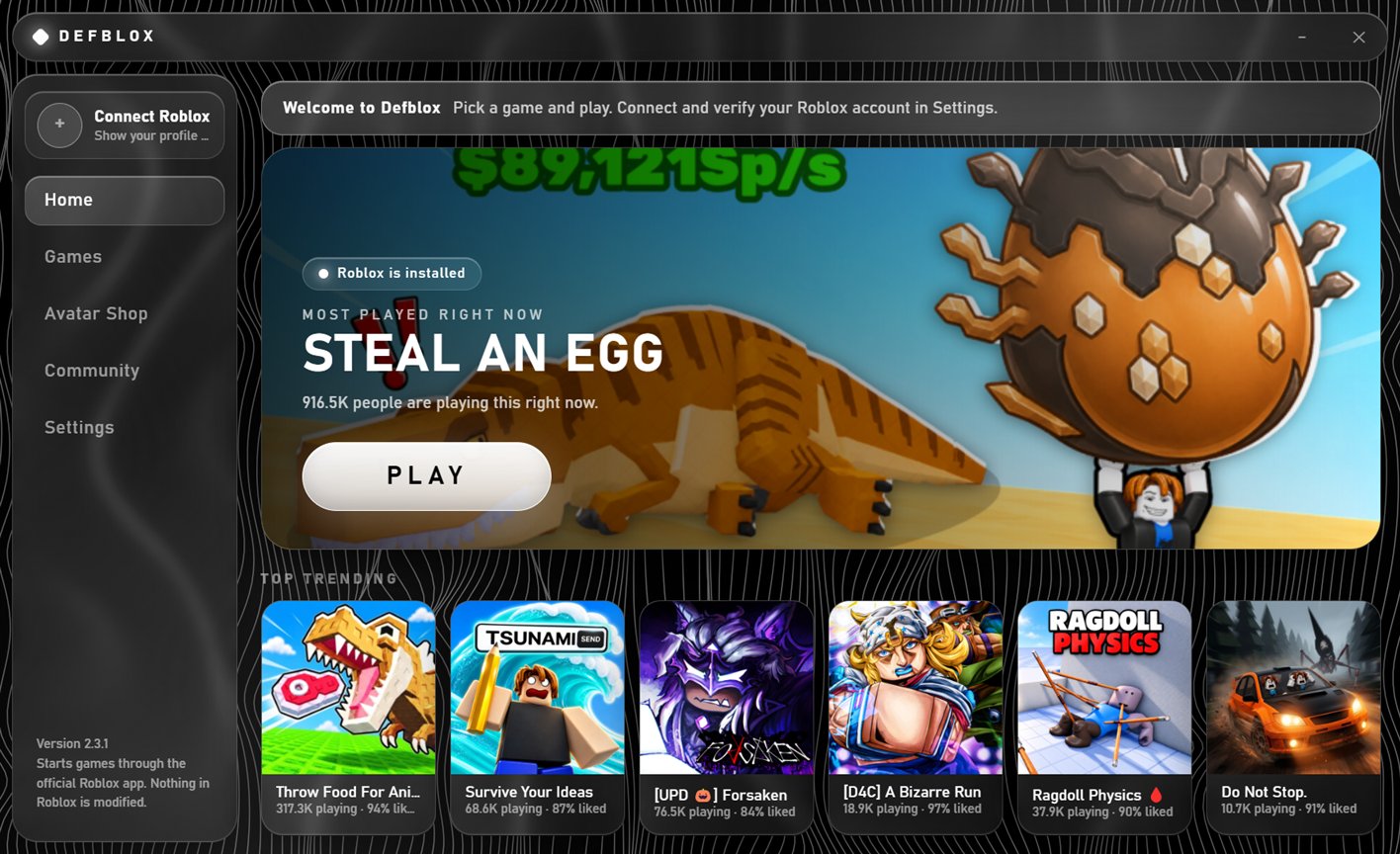
Everything in one place
Built around the official Roblox app. Defblox starts your games through it and never changes the game.
Live game lists
Top Trending, Up-and-Coming and Top Playing Now, with player counts and like ratings, plus search.
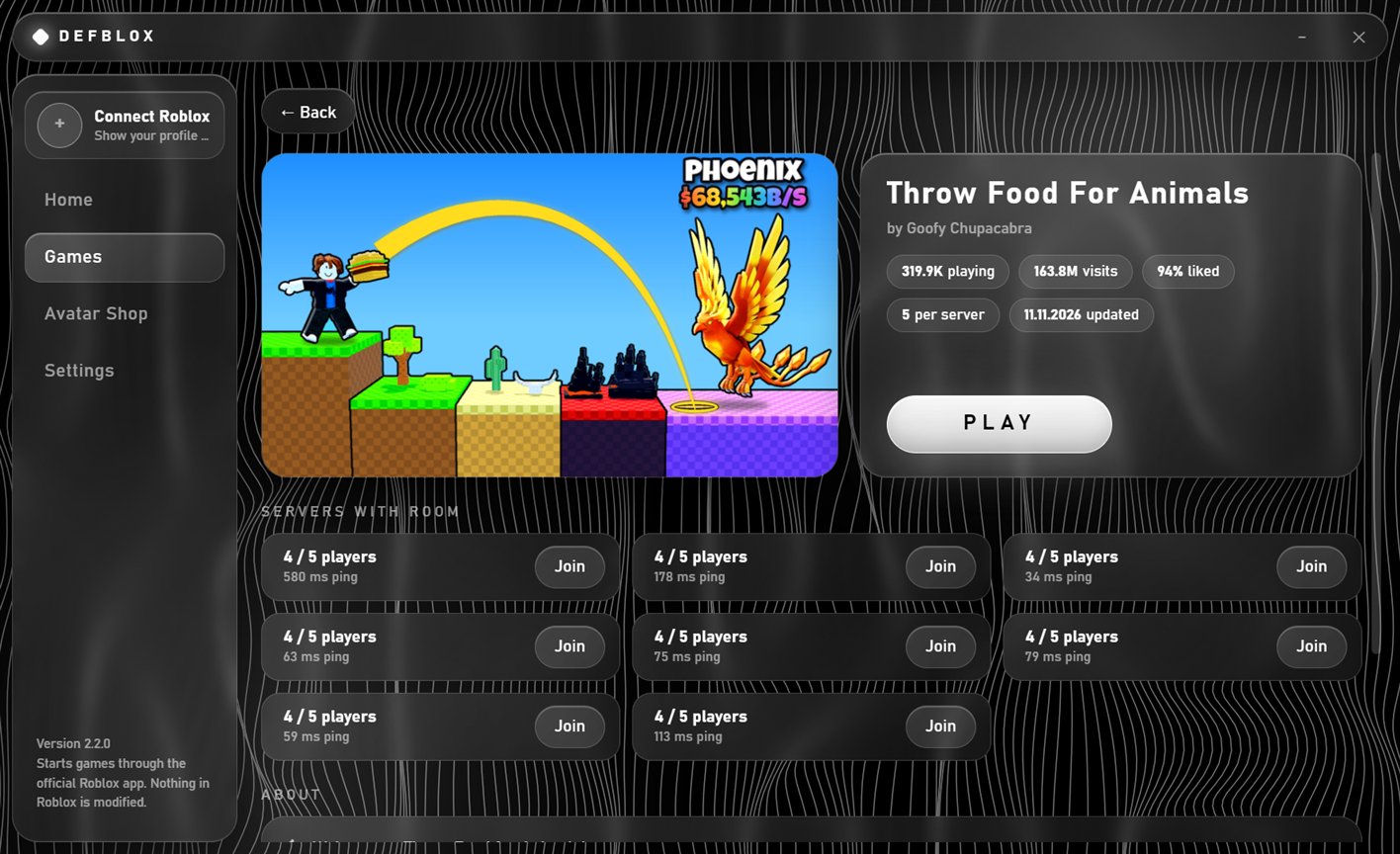
Pick your server
Every game has its own page with servers that still have room. Join the exact one you want.
Community chat
Talk with other Defblox players and see who is online right now.
Game invites
Post a game or your exact server in chat. Friends join with one click.
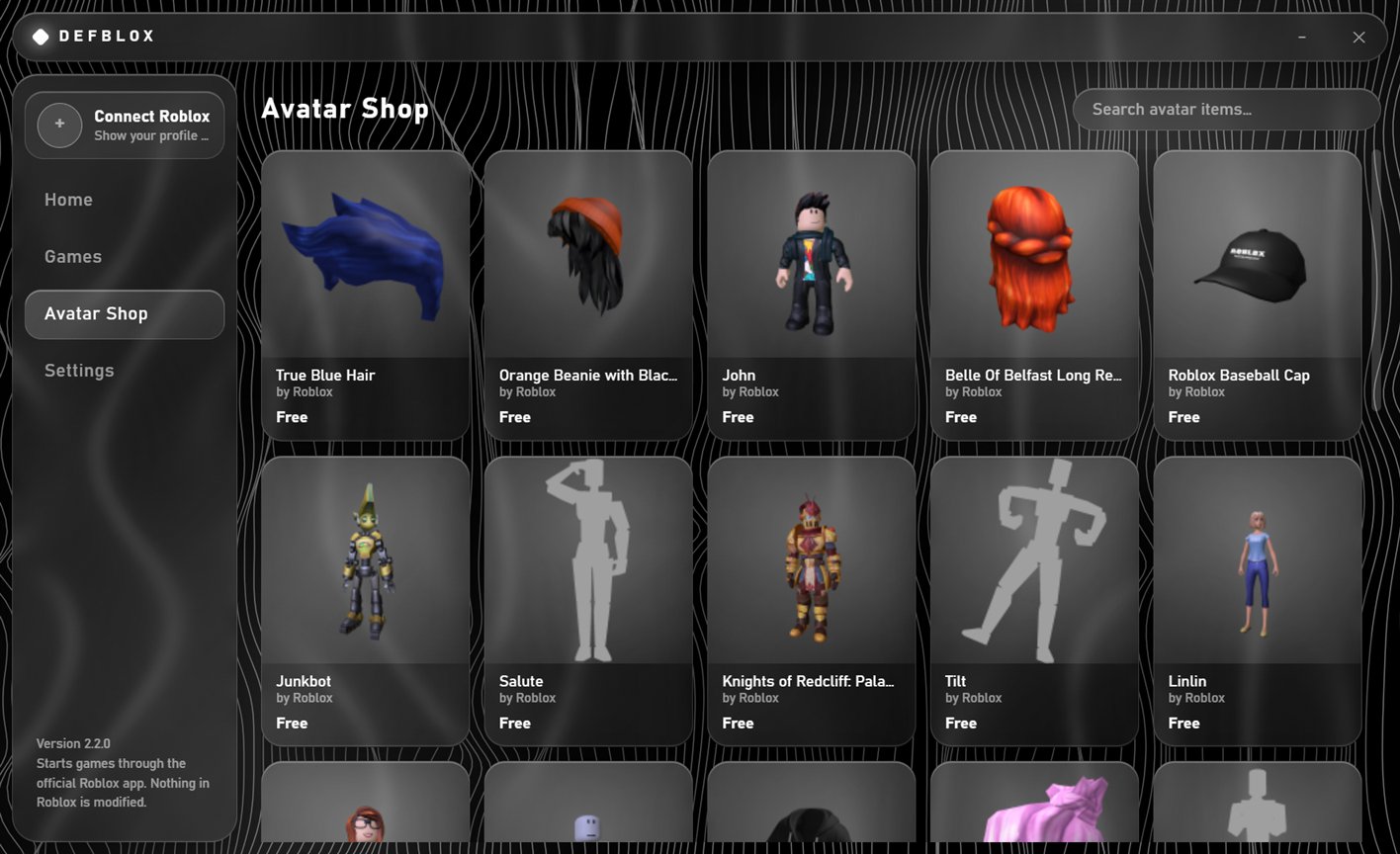
Avatar Shop
Browse and search avatar items with prices. Buying always happens on roblox.com.
Make it yours
Your own font and background, and updates that install themselves.
A closer look
The same glass look everywhere, over a background that moves with your mouse.
Safe by design
Your account stays yours.
No password, ever
Defblox never asks for your Roblox password. You prove an account is yours by pasting a one-time code into your own profile.
Nothing is modified
No cheats, no injected code, no changed game files. Games open in the official Roblox app exactly as Roblox ships it.